How to reset your password
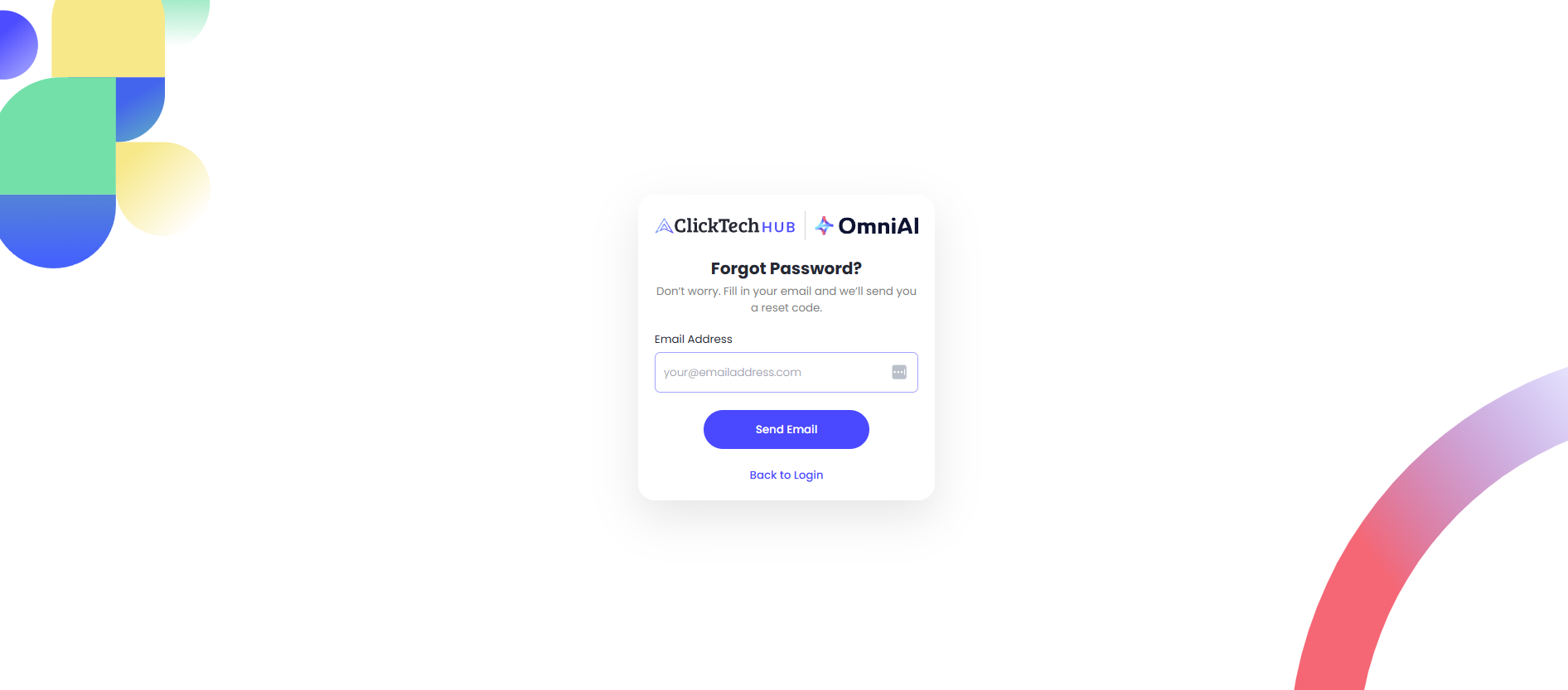
Reset your password or select Forgot Your Password, on the login page. Enter the email address you registered with, and we'll send a verification code. Enter the code to create a new password.
TIP — If the verification code doesn't arrive, check your junk or spam folder.
You can also change your password in your settings when logged in. Click the profile icon in the main navigation menu and select Account Settings. Here, you can update your password.